When you walk to your room and are about to command your Alexa and notice a red light on your device, you may feel confused and worried. Don’t worry… You are not alone because many users face the same issue and start searching for “Why is my Alexa red?” Sometimes people also start thinking about another common question: Why is my Alexa red and not responding? because the red light on their Alexa stays on for a long time.
Here’s the good news for you: In most cases, red light is not a serious problem because Alexa devices use different light colors to show what they are doing.
In this blog, you will know what the red light means in Alexa, why it appears, and how to fix it if you are in a “why is my Alexa red and not responding” situation.
What does the red light on the Alexa device mean?
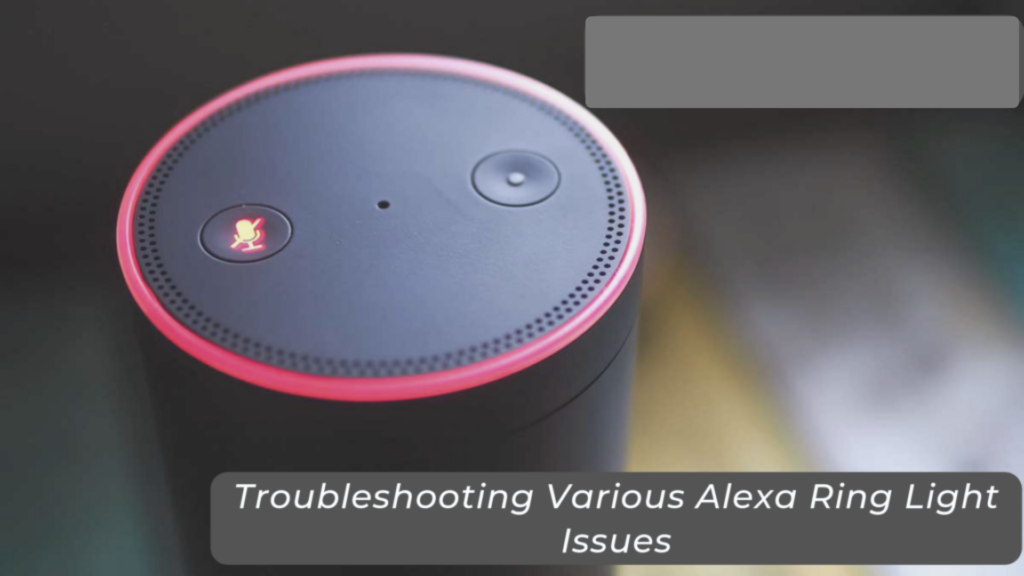
The red light on the Alexa device means that the microphone of the device has been turned off. When the microphone is disabled or turned off, then Alexa cannot hear your voice commands. This is the reason you may start thinking that your device is broken and search “why is my Alexa red and not responding?”
Amazon has designed this feature for your privacy, as when you turn off your microphone, your Alexa will stop listening completely.
When does the red light on Alexa usually appear?
The red light on Alexa usually appears under the following circumstances, such as:
- The Alexa’s microphone has been manually turned off.
- The camera of Alexa is disabled only on the Alexa devices with the camera feature.
- The privacy mode on Alexa is active.
- The Alexa’s microscope mute button has been pressed.
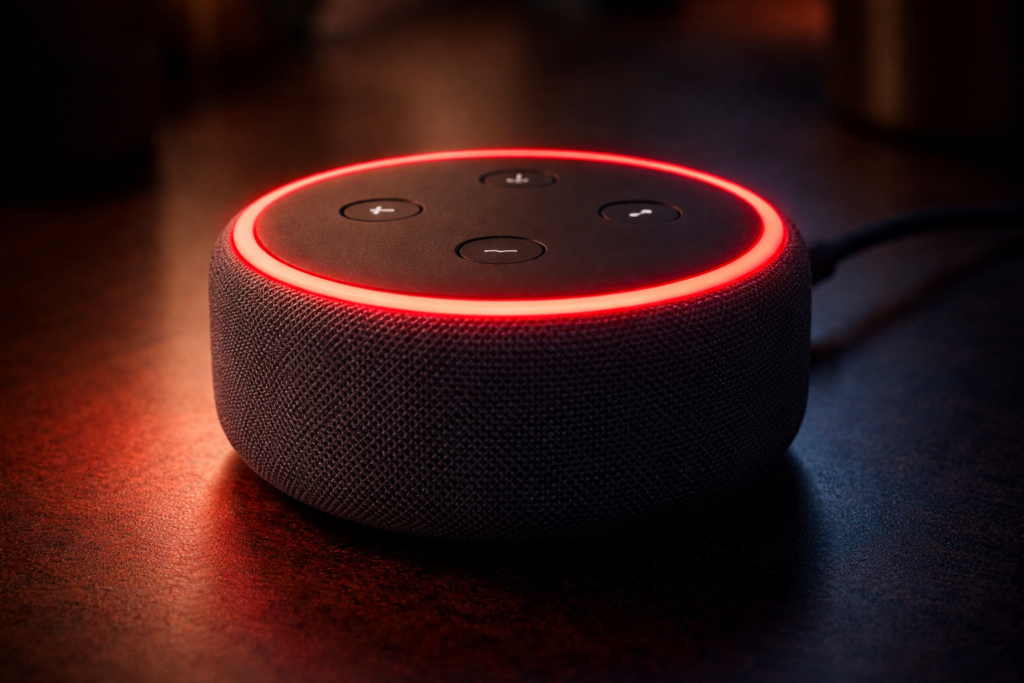
Most Alexa devices, such as the Echo Dot, the Echo Show, and the Echo speakers, have a microphone button, and when this button is pressed, your Alexa device shows a red light ring on a red bar.
This is why many people first notice the issue and then search for “why is my Alexa red,” when in reality, your Alexa device is just muted.
Why is my Alexa red and not responding?
If your Alexa is red and is not answering commands, then the main reason is that your Alexa’s microphone is muted. Your Alexa depends on its microphone to respond and hear the wake word: “Alexa, Echo, or Amazon.” When the microphone is turned off, your device cannot hear anything that you say.
So if you are confused, why is my Alexa red and not responding, then the most common explanation is that your Alexa can’t hear you.
Your Alexa can’t hear you when:
- Someone has accidentally pressed the mute button.
- The device was muted during a call or meeting then you forget to unmute it.
- You intentionally activated the privacy mode.
Once you turn your microphone of the alexa back on, then your Alexa will start responding back immediately.
How can I turn off the red light on my Alexa device?
You can easily turn off the red light on your Alexa device by simply turning the microphone of the device back on.
To turn the microphone back on, you have to follow the steps below:
- First, locate where the microphone button is on the top of your device.
- Secondly, press the microphone button once.
- Now, wait for a few seconds.
- Lastly, you will see the red light disappear.
Bonus step: After the red light disappear you can try saying any command, such as: “Alexa, how are you?” and if your Alexa replies to you, then congratulations, your problem is solved.
Many users who search for why is my Alexa red and not responding find these quick steps fix everything easily within seconds.
Can the red light on my Alexa device mean something else?
In most of the cases, the red light on your Alexa device usually means that your microphone is off. But, in some situations, you can see a red light on Alexa devices it can mean that:
Your camera is disabled on the Echo Show:
Alexa devices such as the Echo Show have an in-built camera feature. If your camera is disabled through the privacy shutter or camera button, then your Alexa will show a red light.
Your do-not-disturb mode is on:
Some Alexa devices show a red indicator when you have enabled some privacy settings, such as do-not-disturb mode.
Your Alexa’s mute button was pressed accidentally:
Your Alexa’s mute button is placed on the top of your Alexa device, which is easy to press accidentally. You can also press it accidentally while cleaning or moving your Alexa device.
What should I do if my Alexa is still not responding?
If you turned your Alexa’s microphone back on and your Alexa is still not responding, then you need to try some basic troubleshooting.
Here are some troubleshooting steps that you need to try to make your Alexa respond:
Step 1: Restart your Alexa device
Restarting your Alexa device is the easiest way to fix it, as it can solve many issues or bugs in your Alexa device.
To restart your Alexa device, you have to follow the steps below:
- First, unplug your Alexa device.
- Secondly, wait for 30 seconds.
- Now, plug it back in.
- Lastly, you have to allow the device to restart.
Once your Alexa device is reconnected, you can try speaking the wake word again.
Step 2: Check your internet connection
Your Alexa needs an internet connection to work properly, and if your WiFi connection is weak or disconnected, then your device will not respond.
To check your internet connection, you have to follow the steps below:
- First, check whether your WiFi router is working or not.
- Secondly, check that your internet is active or not.
- Lastly, your Alexa device is connected to the correct network or not.
Step 3: Check your Alexa device settings in the Alexa app
To check your Alexa device settings in the Alexa app, you have to follow the steps below:
- First, open your Alexa app.
- Secondly, tap on Devices.
- Now, select your Echo device among the devices shown on the screen.
- Lastly, check your microphone and privacy settings.
Sometimes your Alexa app can provide helpful information about what is happening with the device.
Step 4: Update the Alexa device software
Mostly, your Alexa devices update automatically, but sometimes an update can be pending because restarting the device stops the update process. Keeping your Alexa software updated helps you to protect your device from any technical issues.
Why does Amazon add the red light mute feature?
Amazon added the red light mute feature mainly for privacy reasons. Many users worry that their smart speakers are listening to them all the times and the red light clearly tells the user that their Alexa is not listening.
When the red light on your Alexa device is on, it means:
- Your Alexa microphones are completely disabled.
- Your Alexa cannot hear commands.
- Your Alexa voice recording is stopped.
Your Alexa red light is not a problem, but a helpful feature.
How can I prevent my Alexa red light and not responding issue from happening again in the future?
You can prevent yourself from your Alexa red light and not responding issue from happening again in the future just by following practical tips:
Tip 1: Always place your Alexa device somewhere stable
You should avoid placing your Alexa where it can be easily bumped or touched accidentally.
Some good and safe locations for your Alexa device are:
- Your beside tables
- Your study desks
- Some safe shelves
- Your TV stands
Tip 2: Keep your device away from your children or pets
Your children and pets can sometimes accidentally press buttons on your Alexa, and keeping your Alexa away from them will prevent many accidents.
Tip 3: Learn your Alexa device buttons
Every Alexa device has a few basic buttons, such as:
- Microphone button
- Volume up
- Volume down
- Action button
Understanding these controls will easily help you to quickly solve small problems without searching online.
Does the red light on my Alexa mean that it is recording my voice?
No, the red light on your Alexa does not mean that it is recording your voice, but it actually means the opposite.
When your Alexa red light is on, it means:
- Your Alexa microphones are turned off.
- Your Alexa can not hear your voice commands.
- No recording is taking place.
This red light feature is there for protecting your privacy, so if you ever worry about your security and see a red light, remember that your Alexa is not listening.
Final thoughts
A red light on your Alexa device can feel confusing to you, but it only means that the microphone of your device is on mute. If your Alexa stops responding, then you just have to turn your microphone back on.
If the problem still continues, you just have to: restart your Alexa device, check your WiFi, and look at your settings in your Alexa app. The red light on your Alexa device is a part of privacy, which also means your Alexa is not listening to you.
Frequently asked questions about the Alexa red light
Q1: Why is my Alexa showing a red light?
Ans: Your Alexa is showing a red light because your Alexa device microphone is turned off.
Q2: Why is my Alexa red and not responding?
Ans: Your Alexa is red and not responding because it is likely muted, and your device can not hear your voice commands.
Q3: How can I remove the red light on my Alexa?
Ans: You can remove the red light on your Alexa by just pressing the microphone button on the top of your Alexa device once to turn it back on.
Q4: Is my Alexa listening to me when the red light is on?
Ans: No, your Alexa is not listening to you when the red light is on because your microphone is turned off.
Q5: Does the red light on my Alexa mean that it is broken?
Ans: No, the red light on your Alexa does not mean that it is broken, and it means that the microphone mute button was pressed accidentally.